Sulthonika M.

Portfolio

0%
SURABAYA, INDONESIA

Gonanku for Android · 2026

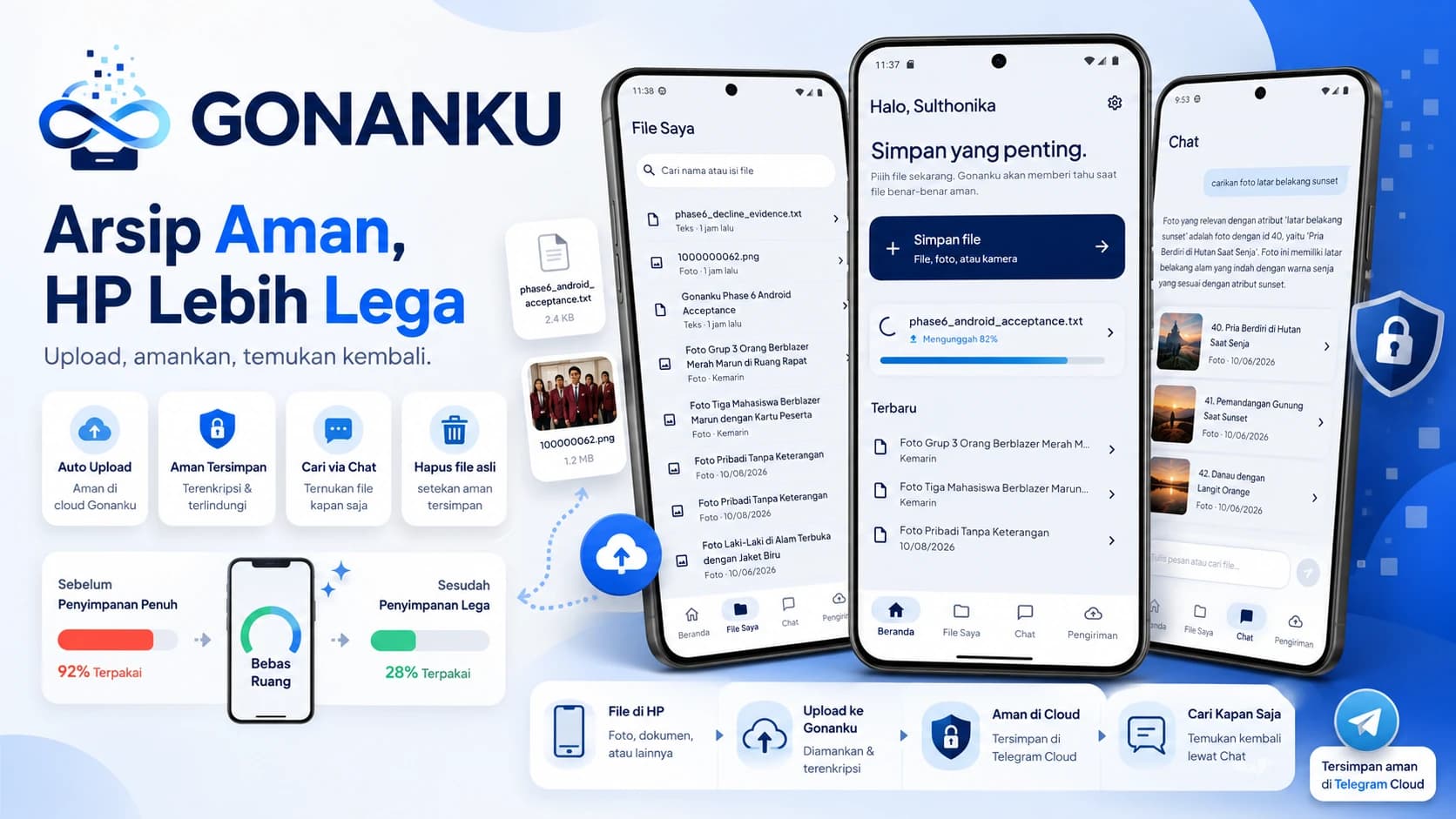
Secure files. A lighter phone.

An Android application for securing files directly from a phone, confirming each transfer is genuinely complete, and finding the archive again without memorizing filenames.

Gonanku Apps
Status
Release Candidate
Role
Product Designer & Mobile Developer
Platform
Android
Version
1.0.0 RC

01 / Context

Files are easy to save. Harder to keep safe.

Photos, documents, and files from conversations keep filling phone storage. Moving them through a browser takes extra steps. When a connection drops or a page closes, users may not know whether their file is actually safe.

02 / Product decision

Mobile is not a smaller website.

The flow was redesigned around real Android habits. Files can enter from the camera, gallery, documents, WhatsApp, or other apps. Work stays recorded when the app closes and can continue when the network returns.

03 / Product value

Fewer steps. More certainty.

Add from anywhere

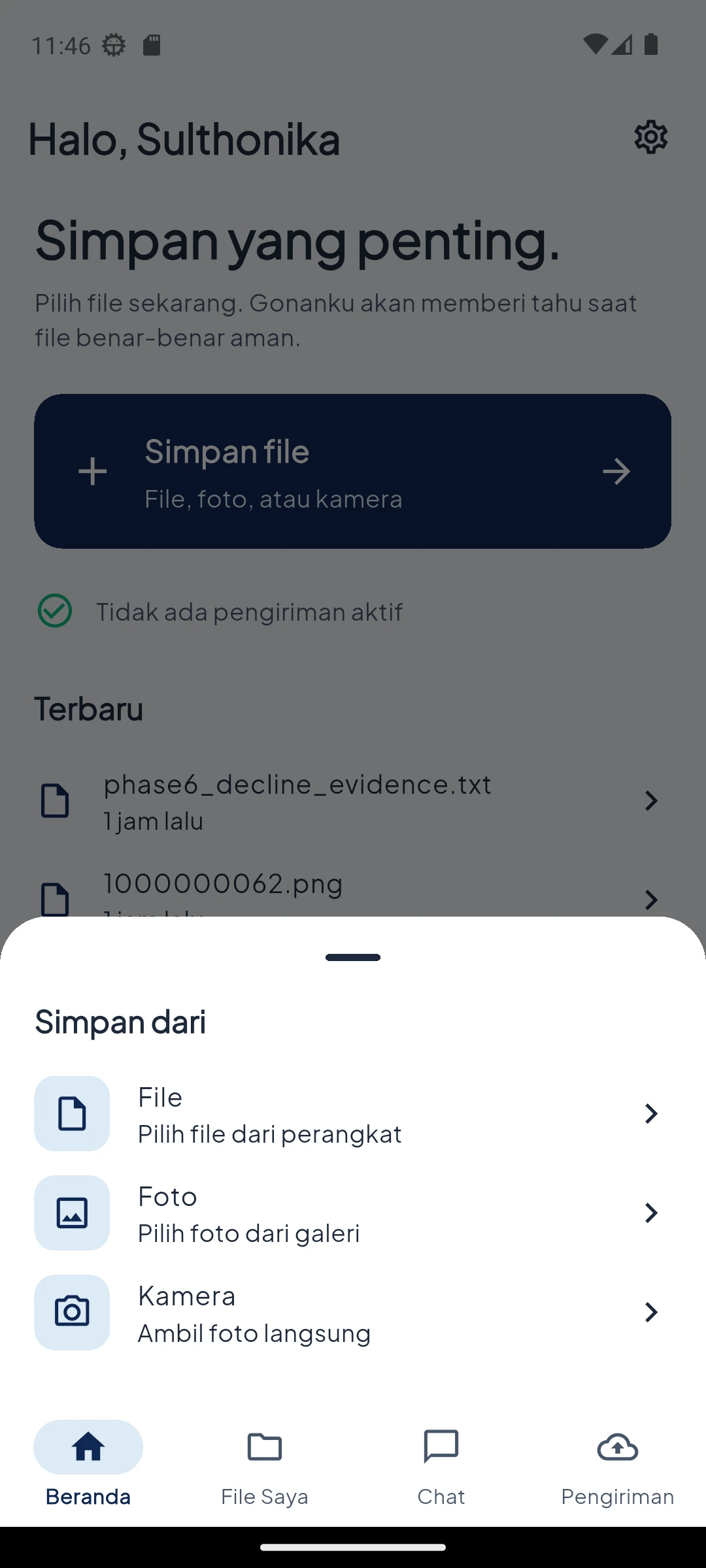
Take a photo, choose a document, or share a file from the app already in use.

Resilient by default

Transfers remain recorded when the app closes, the phone restarts, or the connection drops.

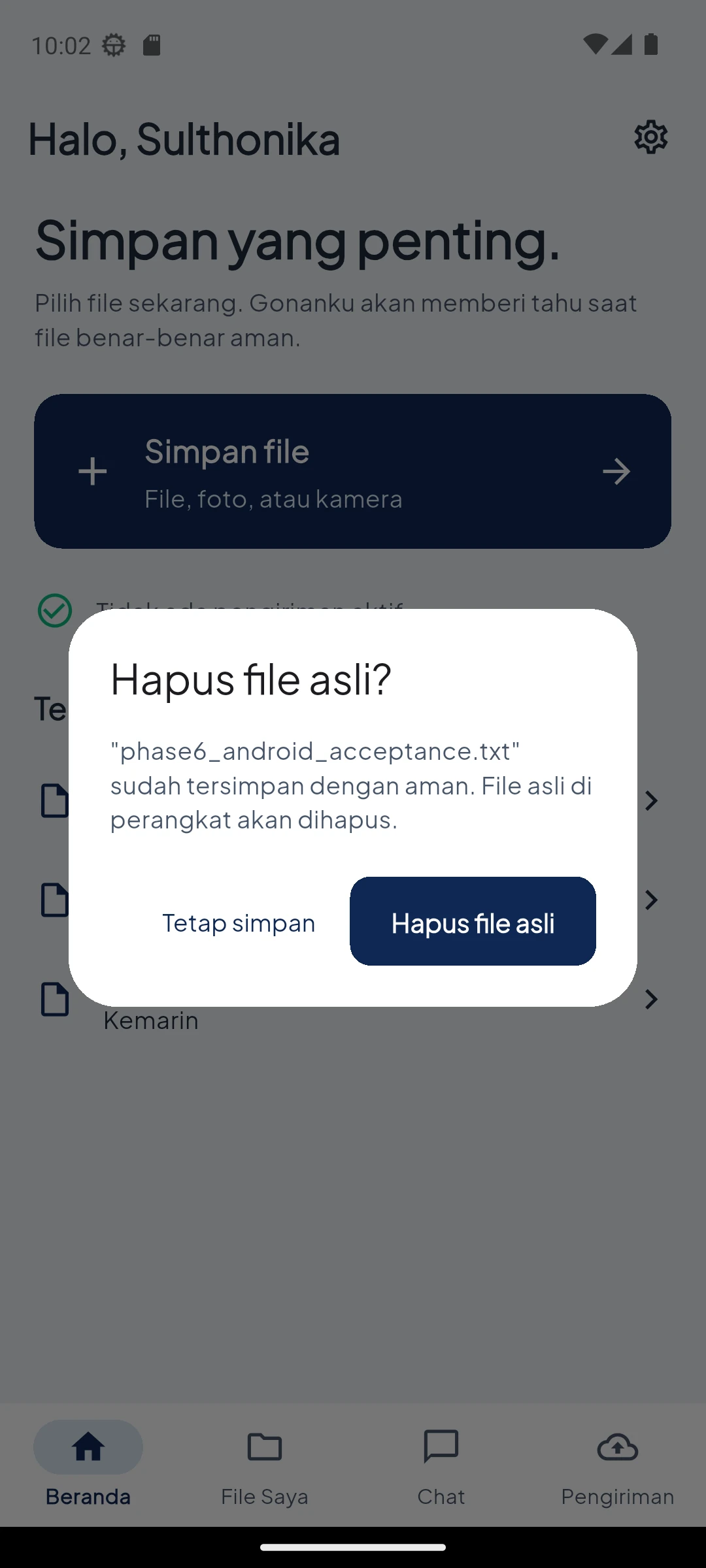
Safe before cleanup

Local files can only be cleared after verification and user approval.

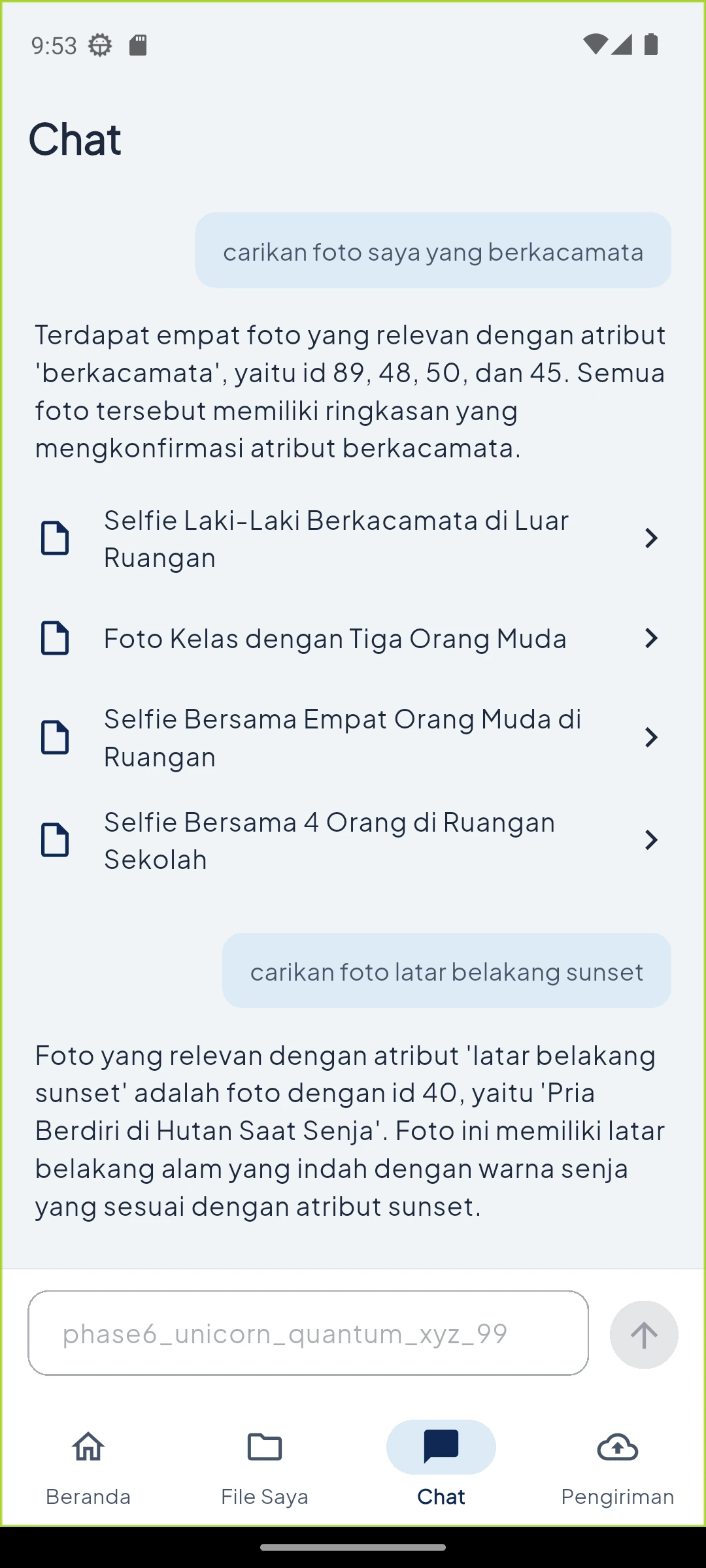
Search like you speak

Find a file from remembered content without knowing its original name or folder.

04 / Core flow

From phone to archive in one journey.

  1. 01Choose a file
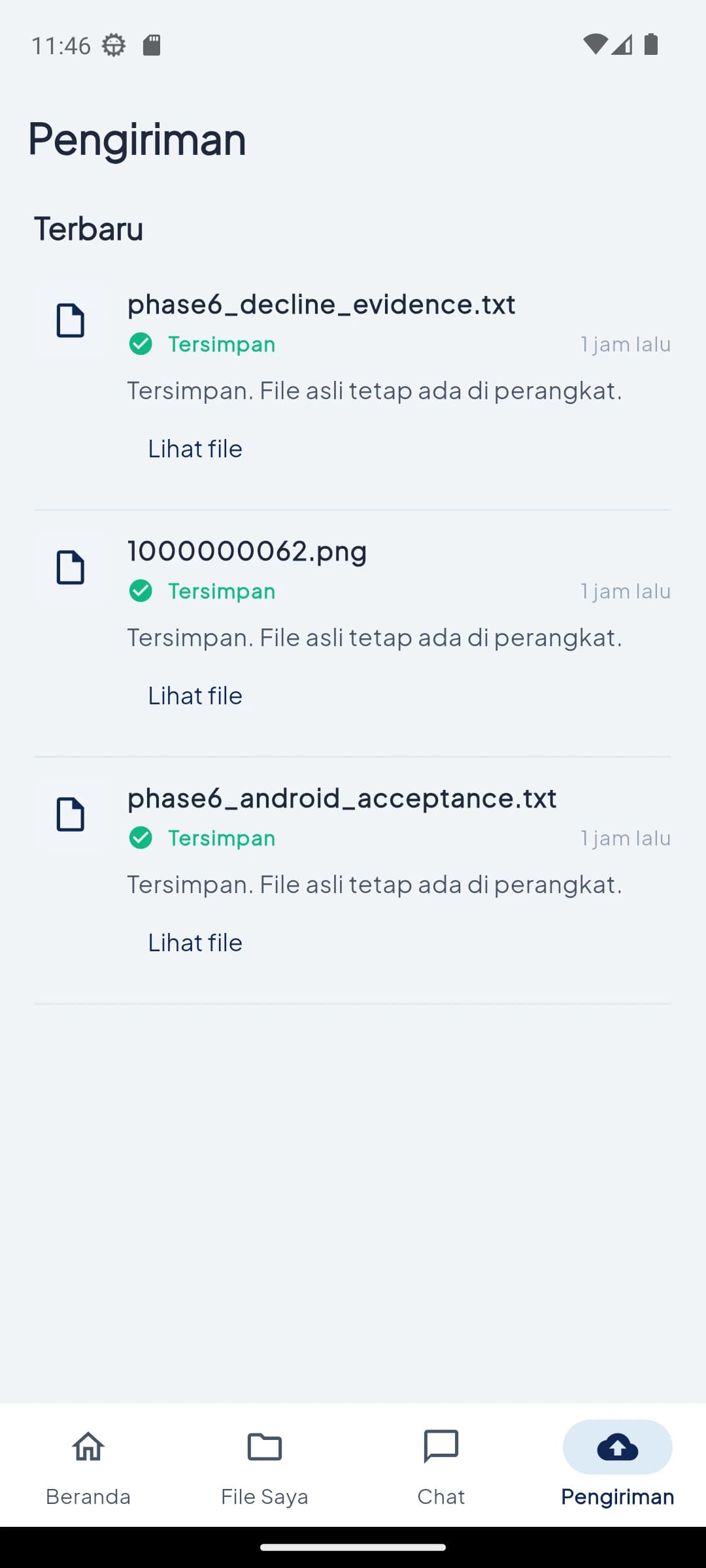
  2. 02Send and track
  3. 03Confirm safe storage
  4. 04Find it again

05 / Product

Screens follow the user journey.

Swipe sideways on mobile. On desktop, every screen appears in order from entry to completed transfer.

01 — Start

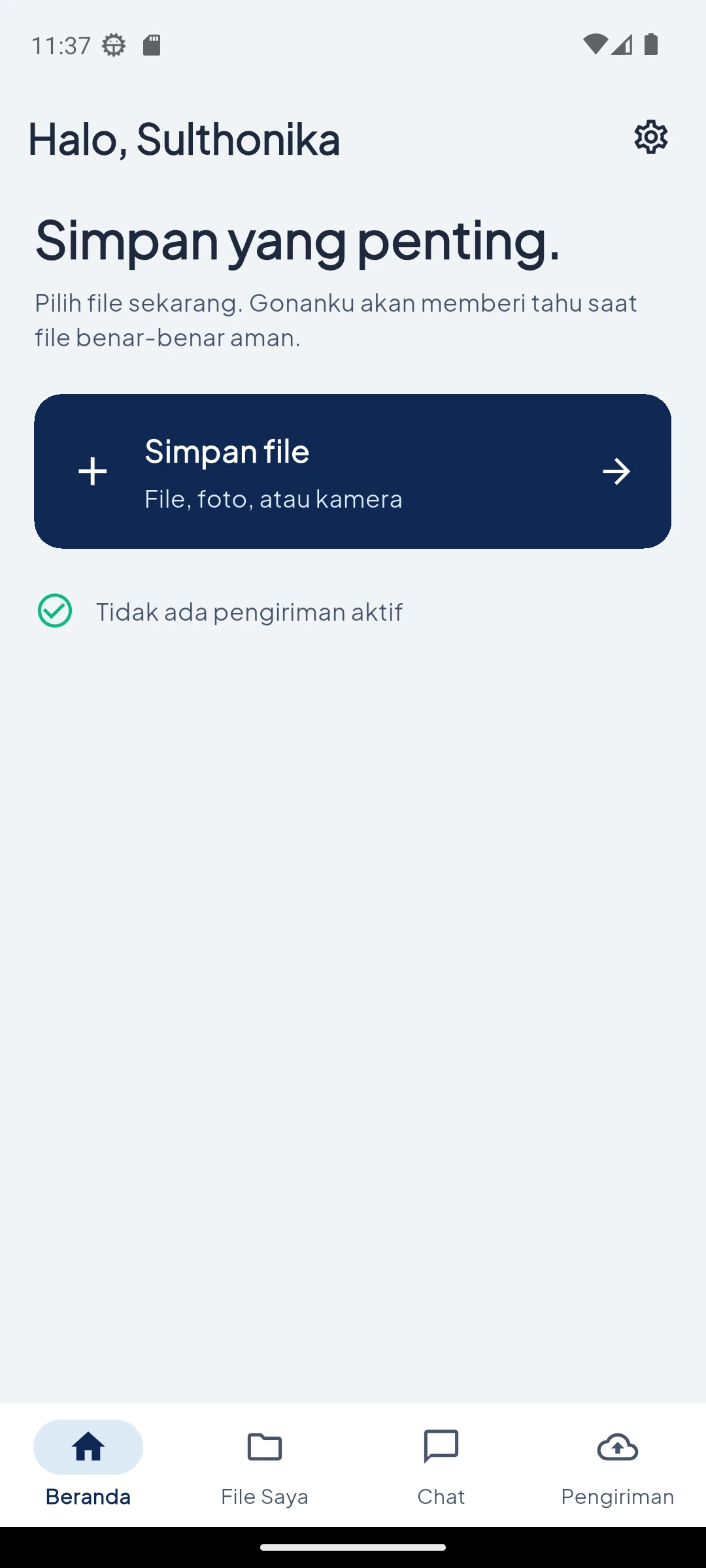
Enter and choose a file

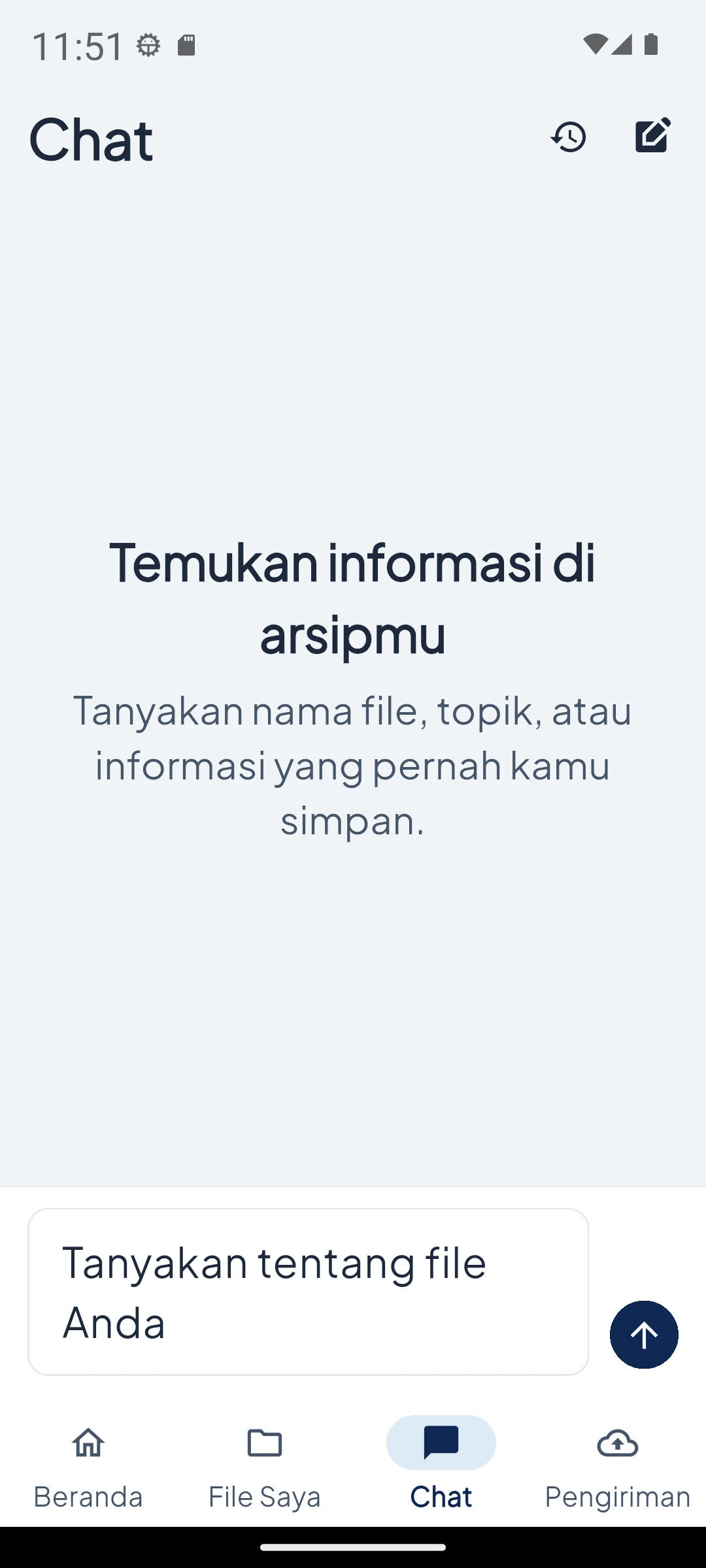
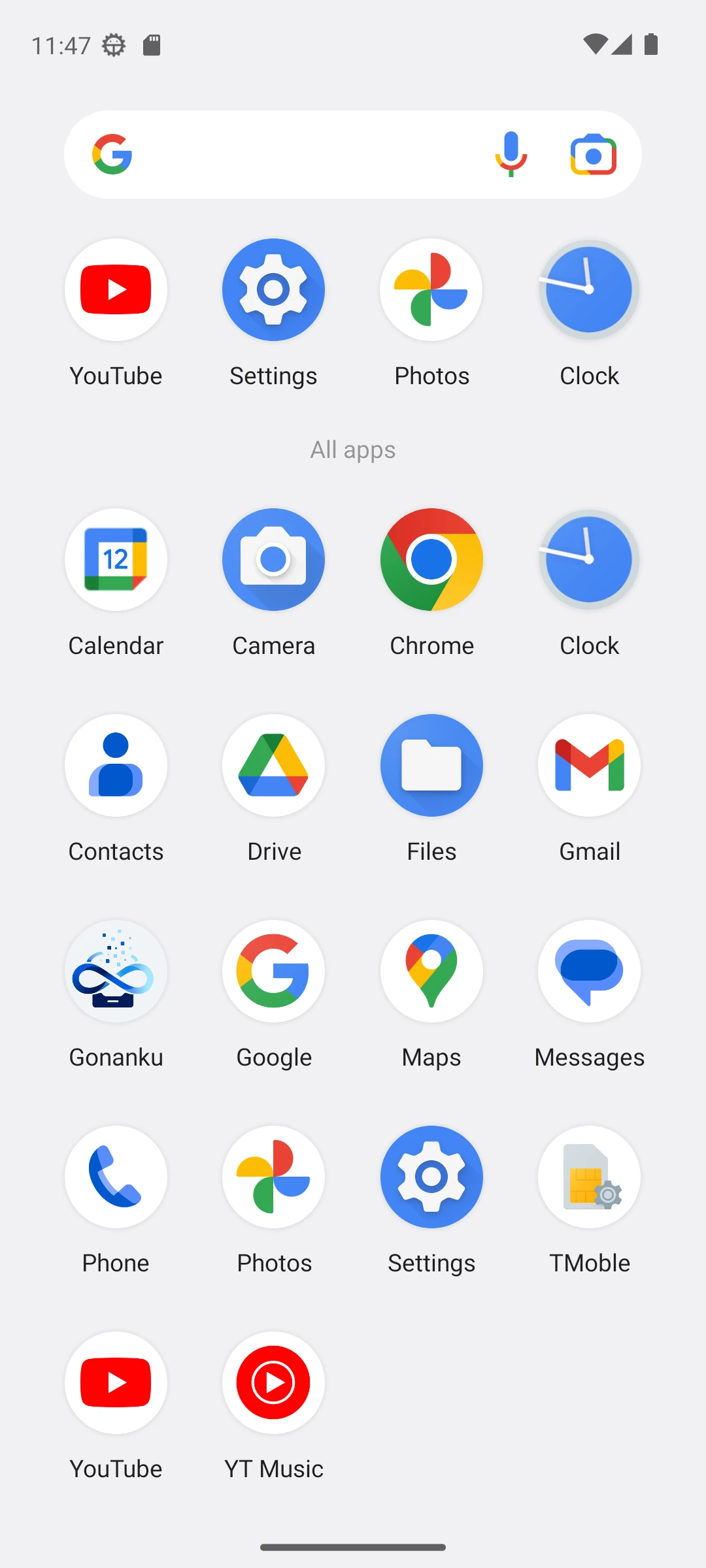
Enter and choose a file — App icon
01App icon
Enter and choose a file — Opening
02Opening
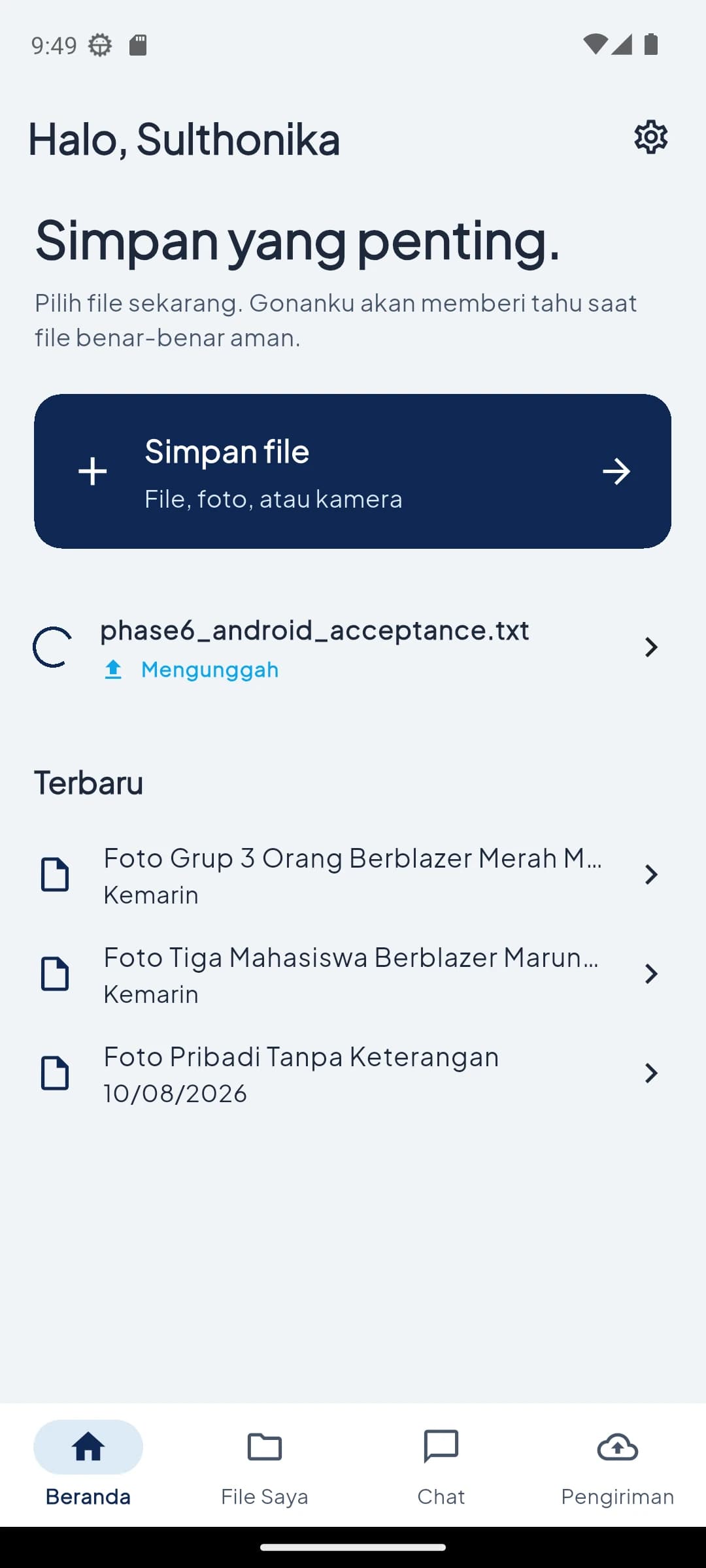
Enter and choose a file — Home
03Home
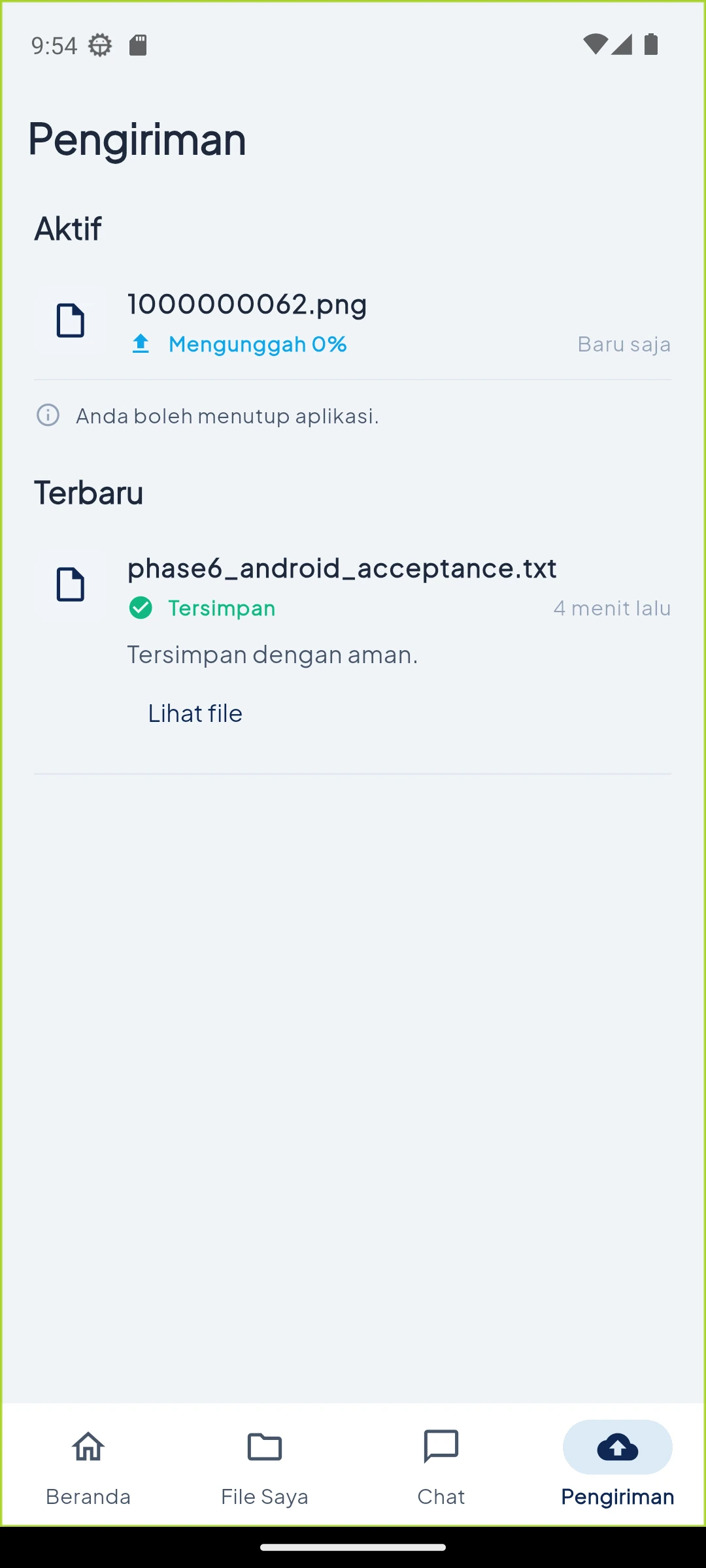
Enter and choose a file — Active transfer
04Active transfer
Enter and choose a file — Choose source
05Choose source

02 — Manage

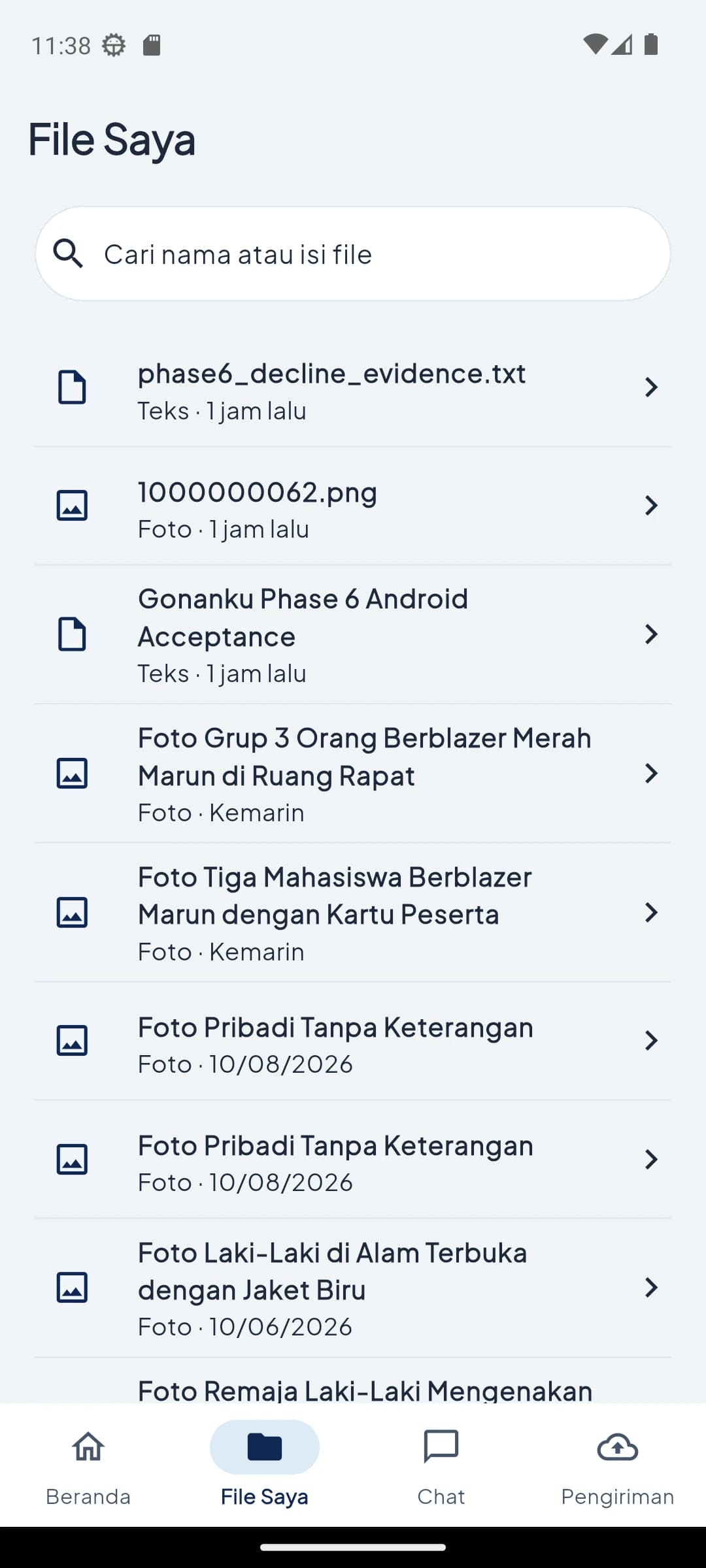
Review the secure archive

Review the secure archive — My Files
01My Files
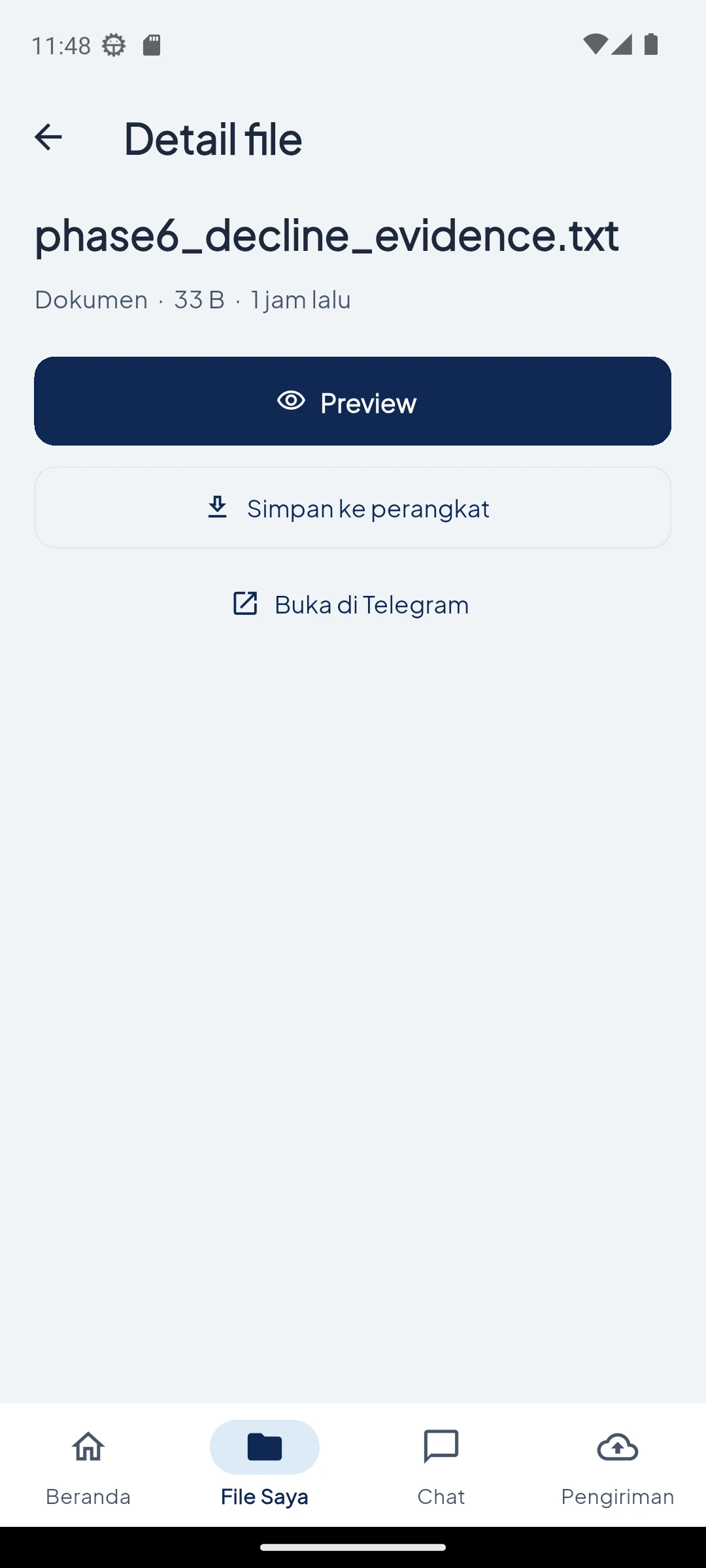
Review the secure archive — File details
02File details

03 — Find

Search from what you remember

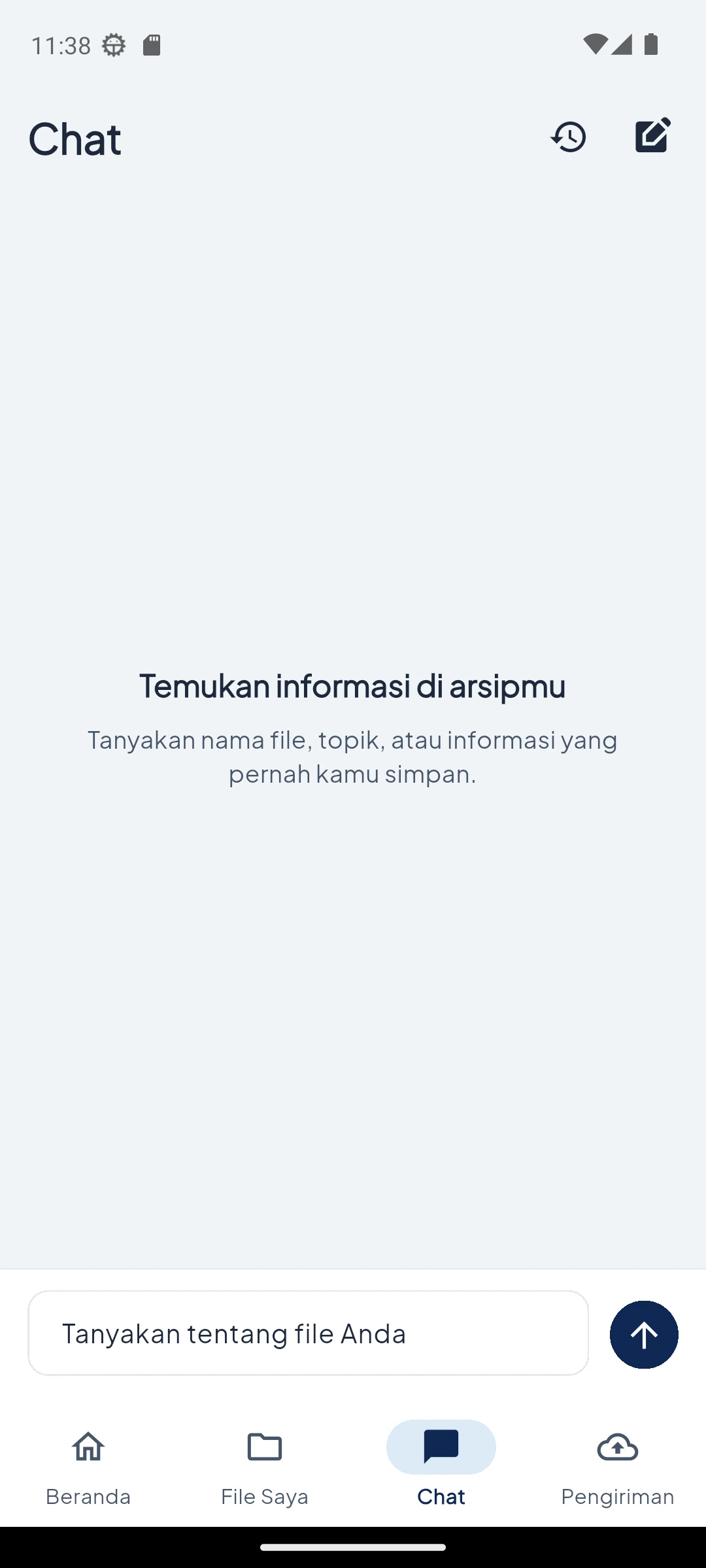
Search from what you remember — Start a search
01Start a search
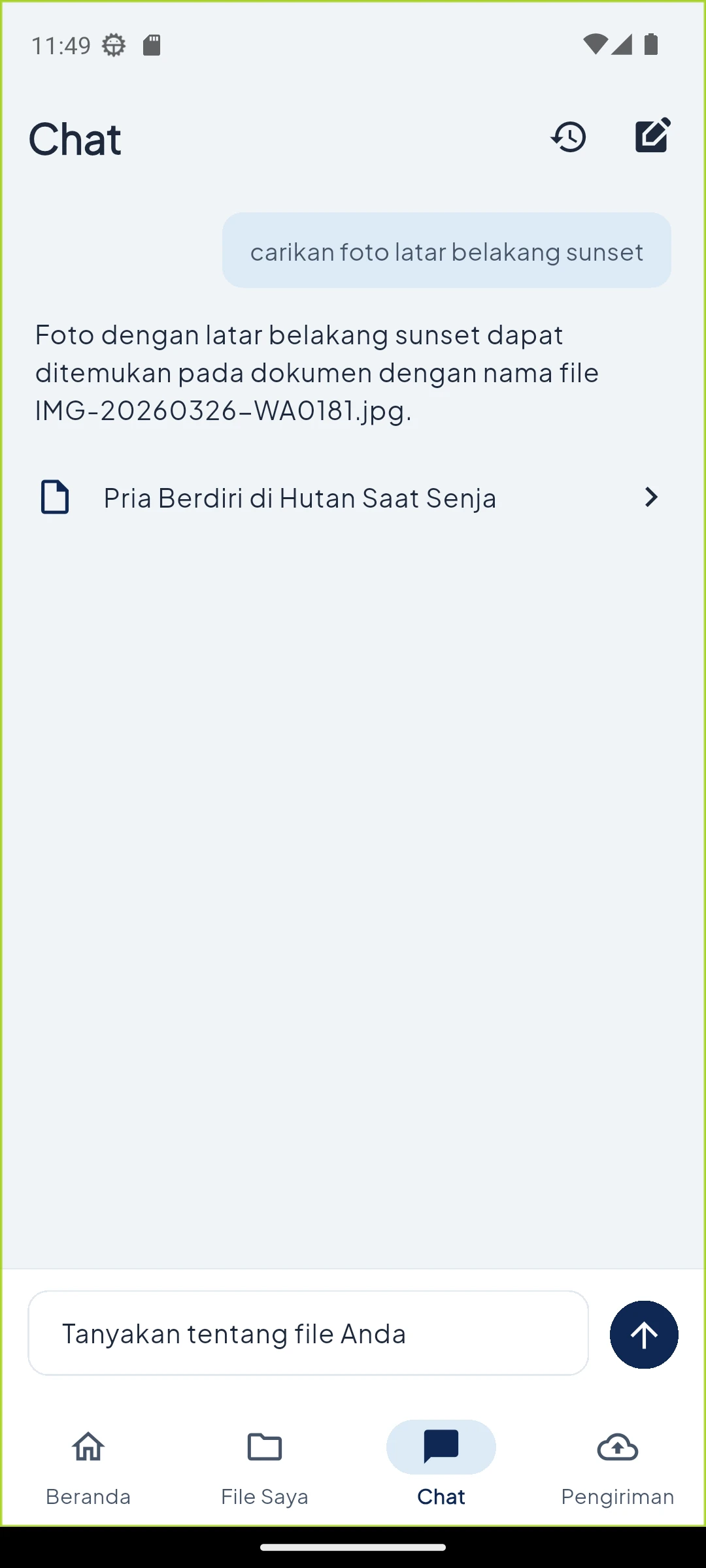
Search from what you remember — Conversation result
02Conversation result
Search from what you remember — Result source
03Result source
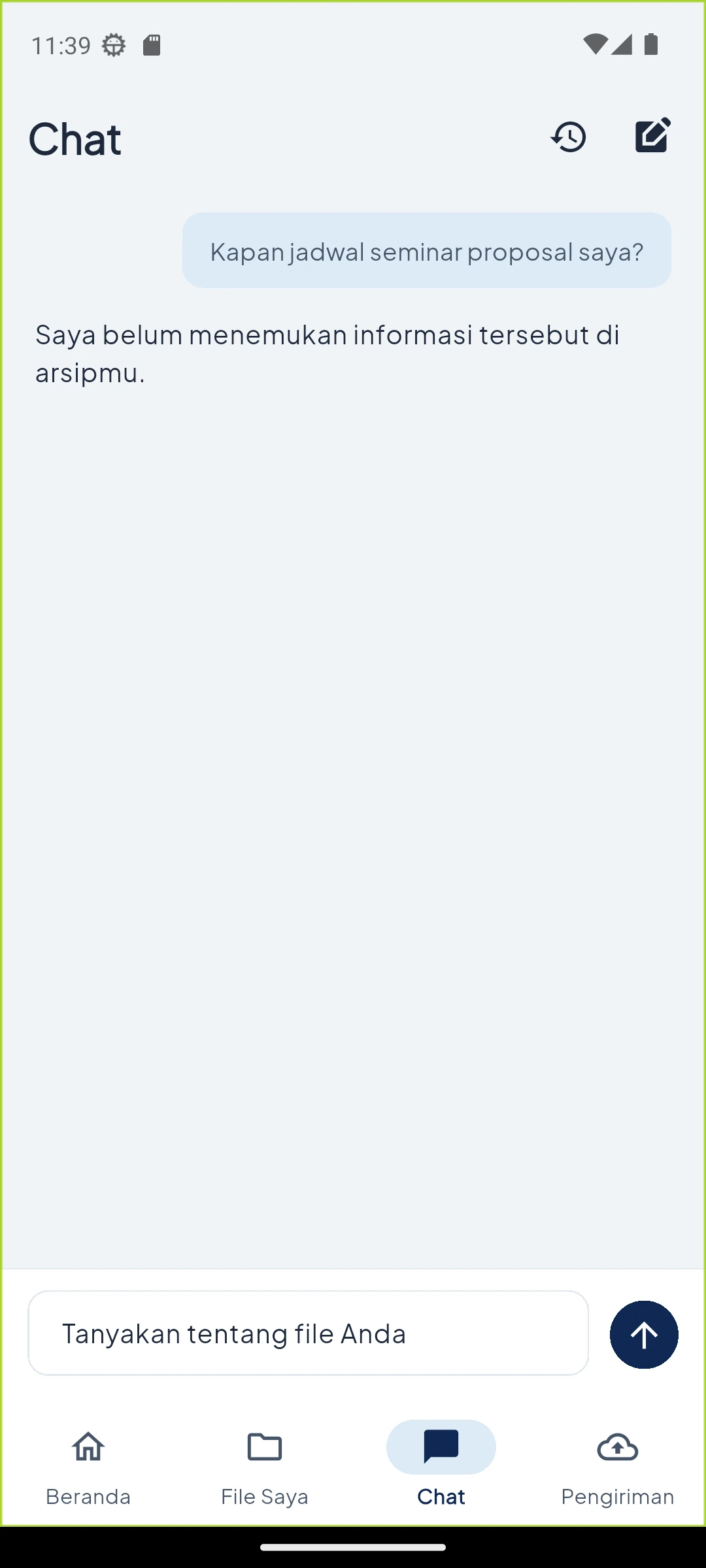
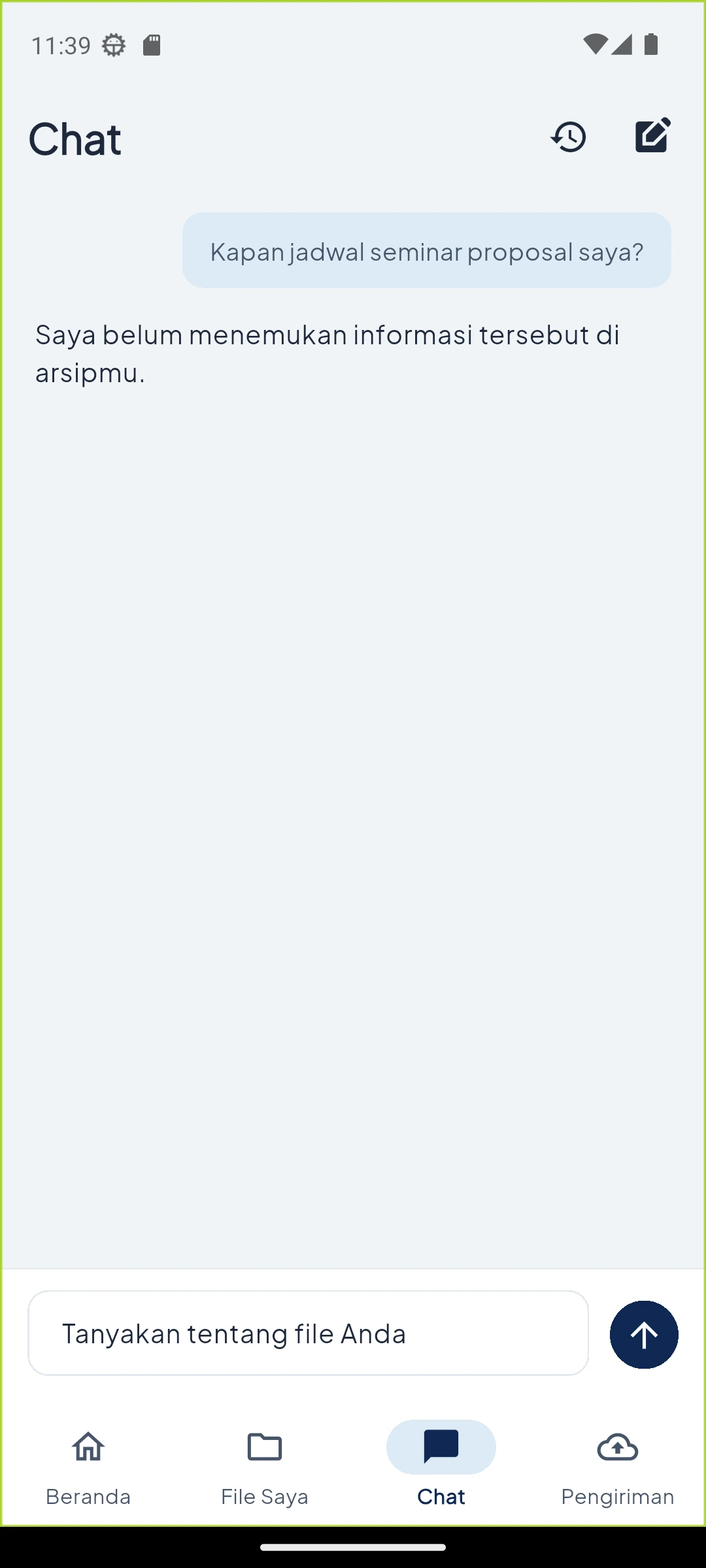
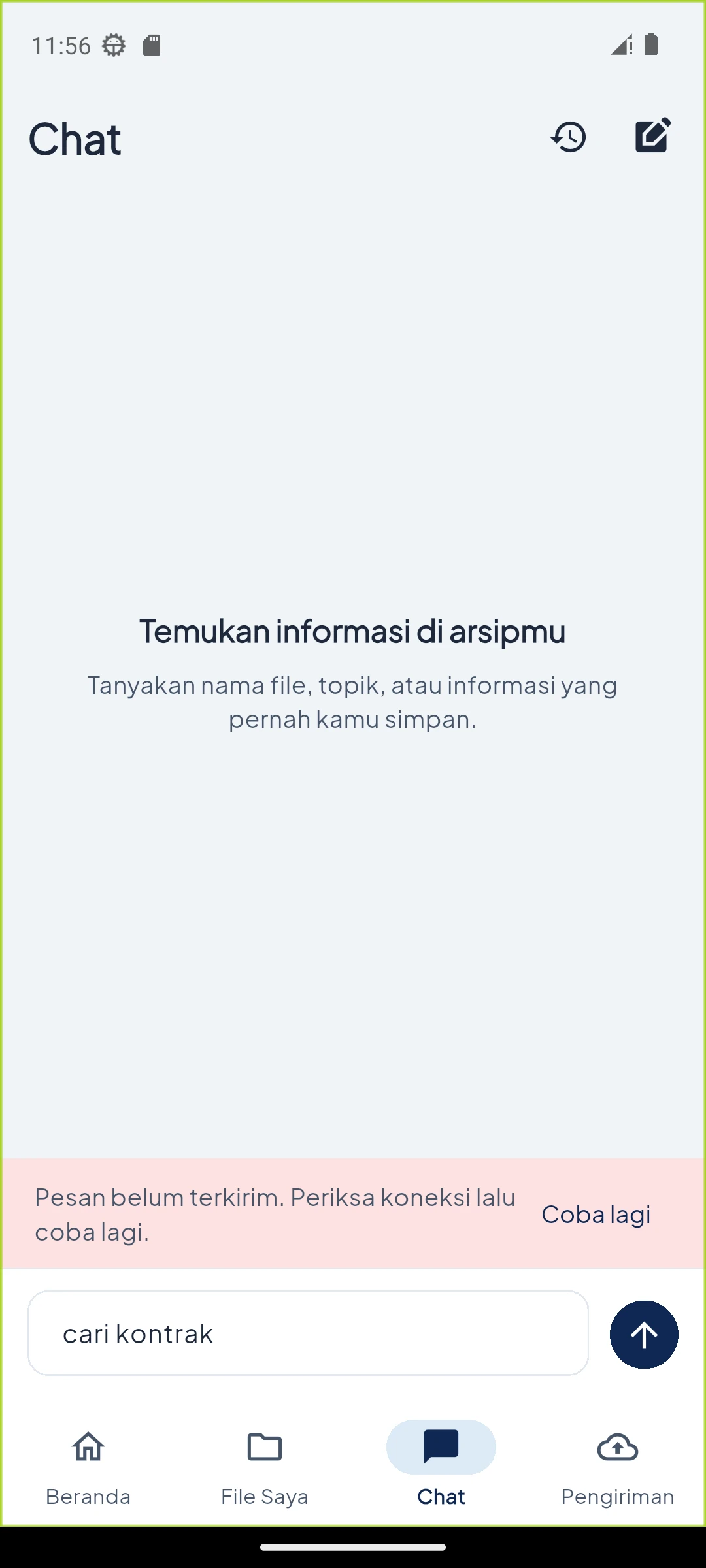
Search from what you remember — No result
04No result
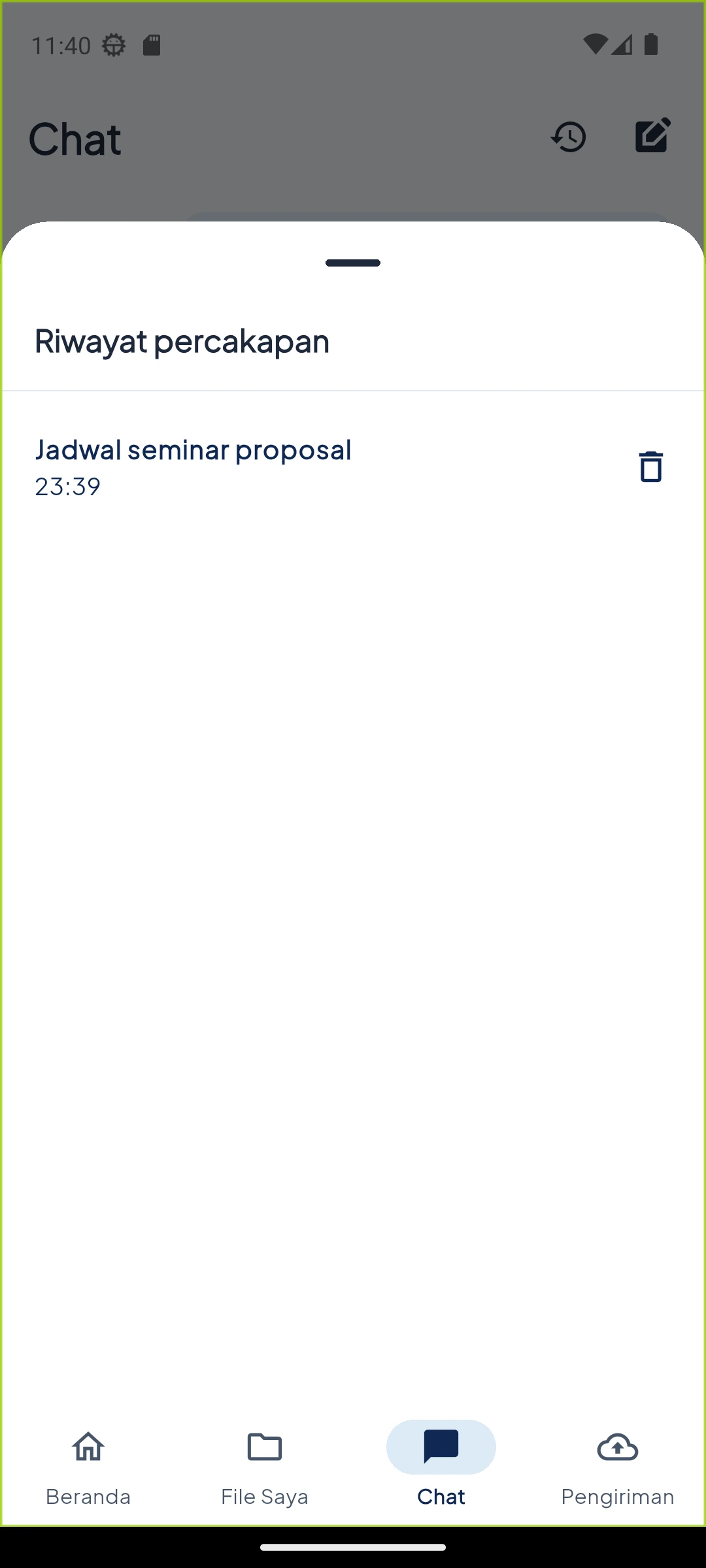
Search from what you remember — History
05History
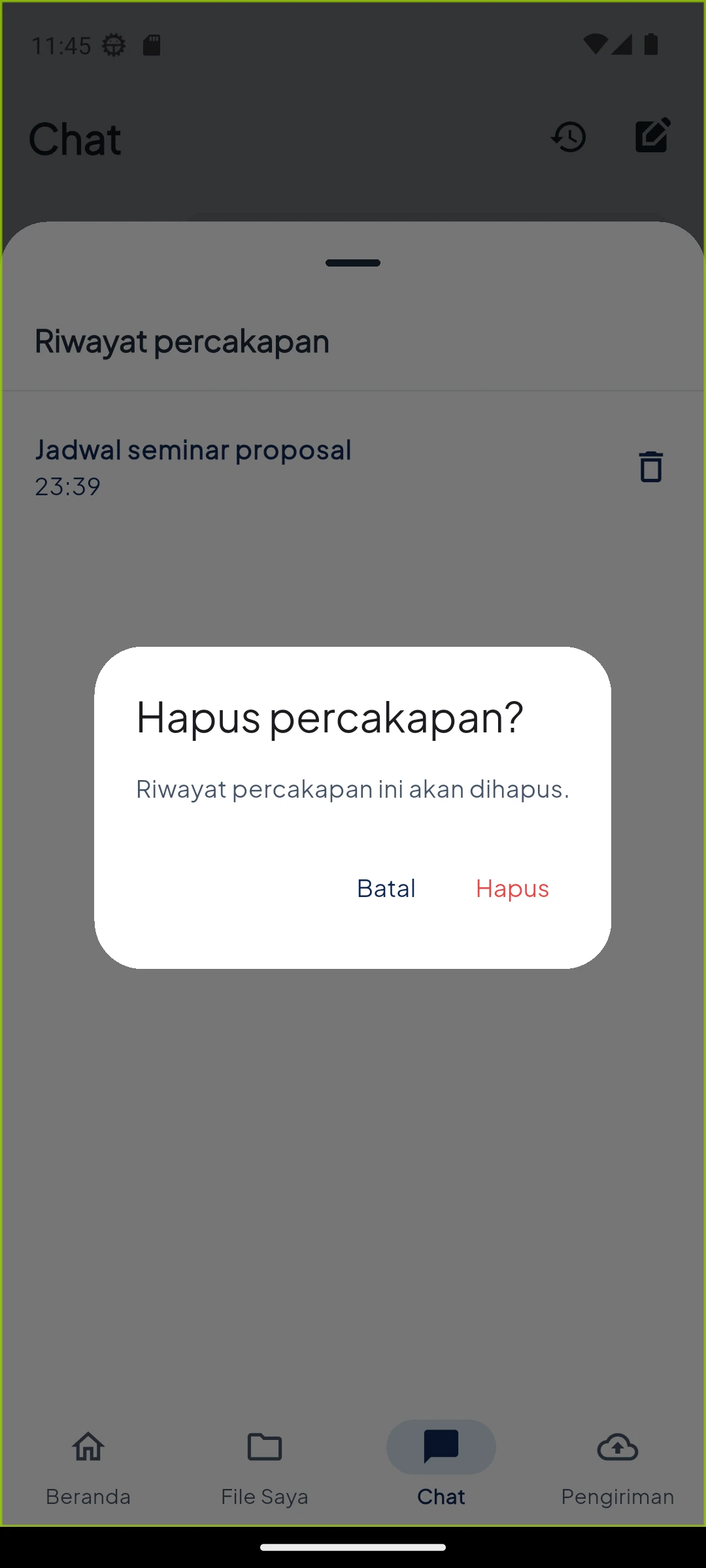
Search from what you remember — Delete conversation
06Delete conversation

04 — Confirm

Track the work until completion

Track the work until completion — Sending
01Sending
Track the work until completion — Completed
02Completed
Track the work until completion — Try again
03Try again
Track the work until completion — Loading
04Loading
Track the work until completion — Cleanup permission
05Cleanup permission
Track the work until completion — Accessible text
06Accessible text

06 / Core principle

100% transferred is not always 100% safe.

Gonanku waits for confirmation that the archive has been stored correctly. Only then can the original phone file be cleared, and only when the user enables that choice. Important decisions remain with the user.