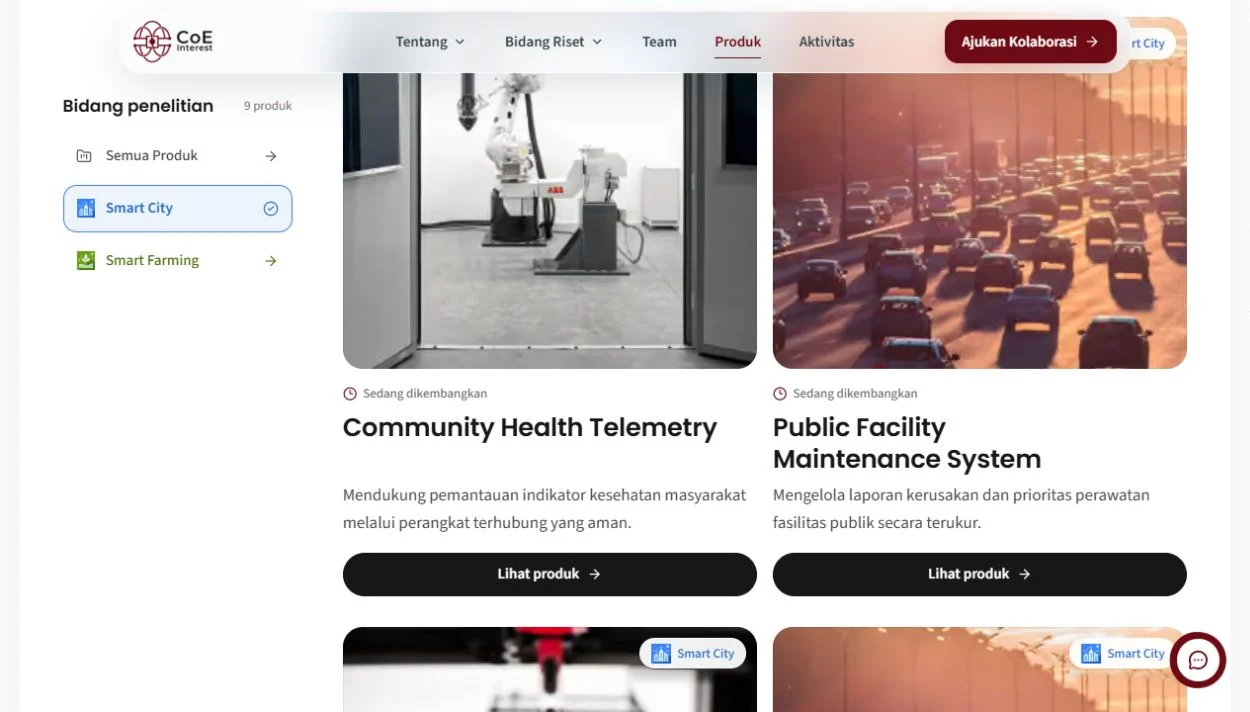
Potential partners can search and filter by Smart City or Smart Farming, then check the implementation status before opening a project.
Portfolio
CoE INTEREST · Internship Project · 2026
A request for an institutional website became a publishing workflow CoE members could run themselves, from draft and preview through to the public research catalog.
01 Blueprint & requirements
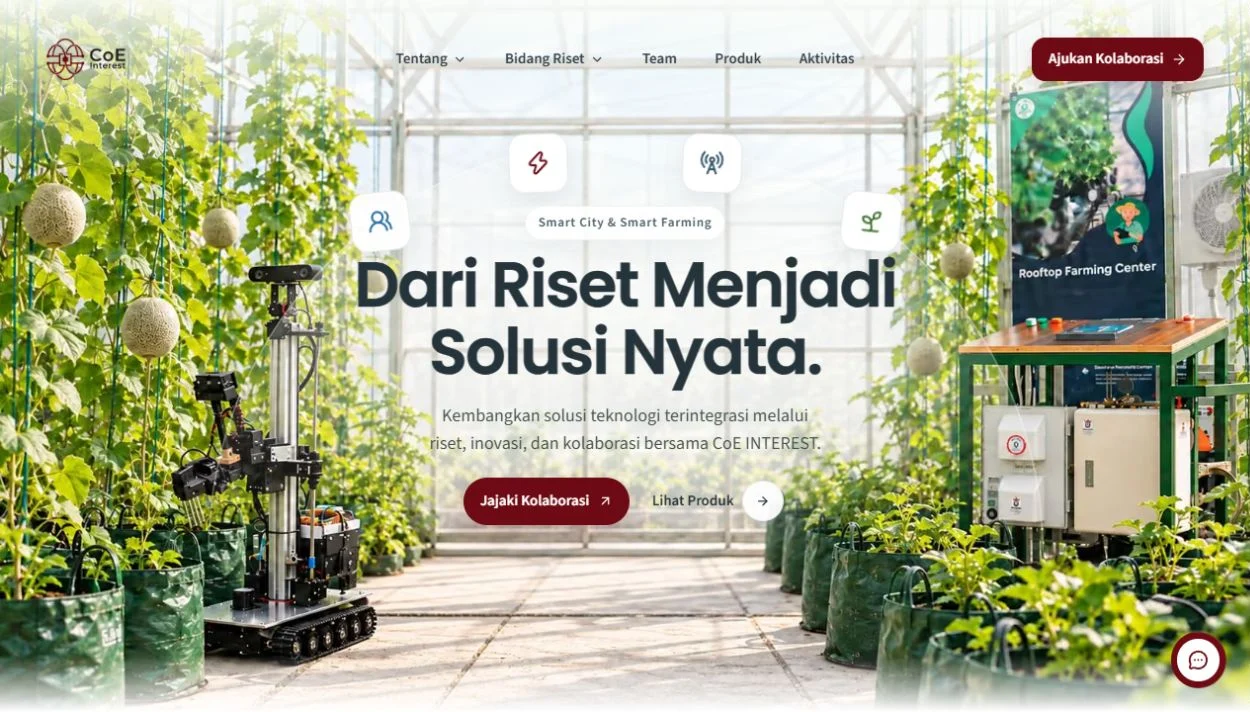
The brief was simple. Build a website for a research center. I started with the work that would keep coming back. Who uploads new projects? Who can edit them? When should they become visible to potential partners?
I designed the public pages and the editor workflow, then presented the work to the head of CoE INTEREST. I used those discussions to revise the design, navigation, and way the content was presented.
02 User guide
A short guide for CoE members based on the dashboard workflow.
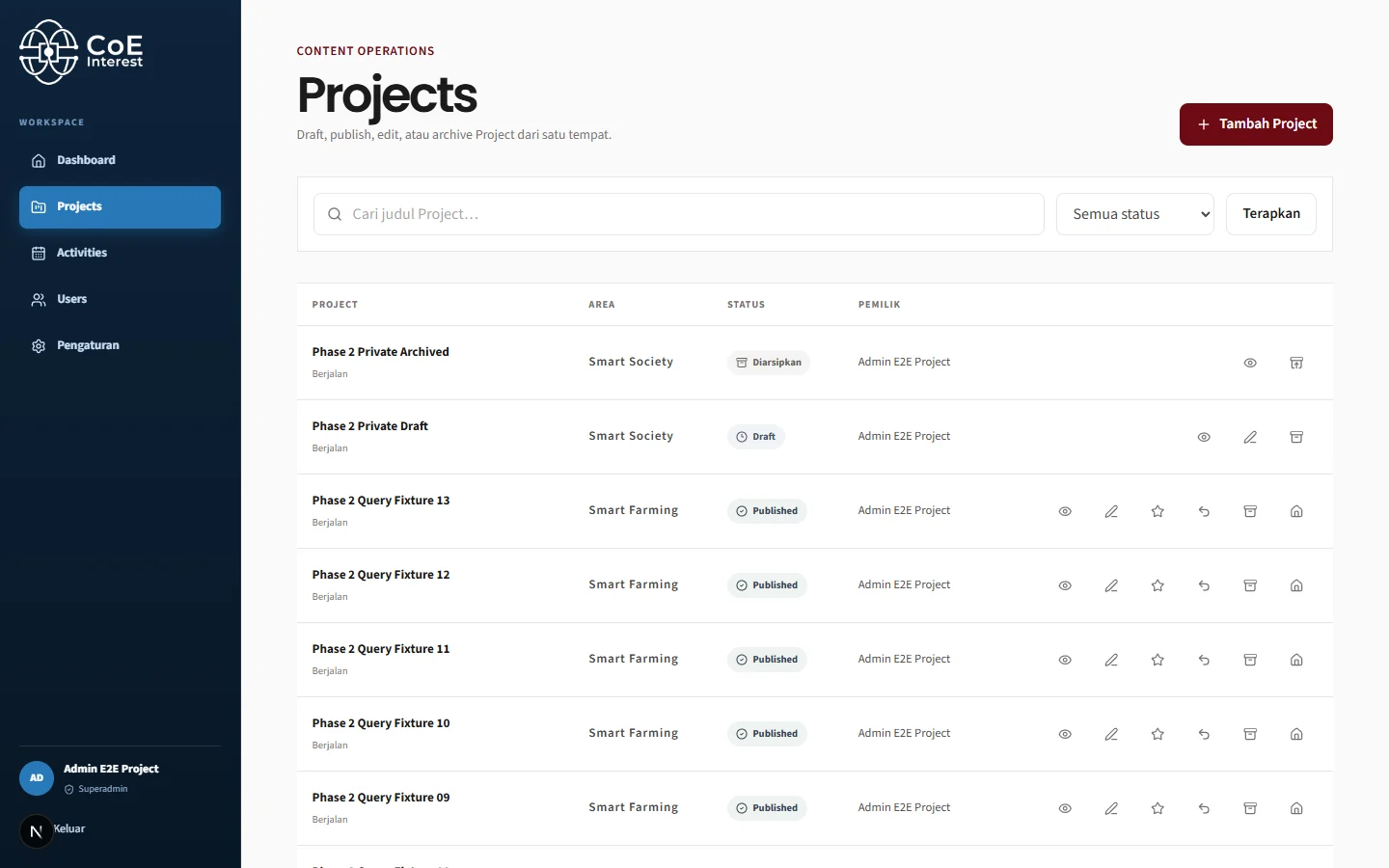
Choose Tambah Project. Add the product name, research area, and summary. Before publishing, prepare a cover and 3–8 gallery photos, each with alt text.
From the Projects list, open Preview to see what visitors will see.
Choose Terbitkan and complete any fields flagged by validation. Then find your project in the public product catalog.
03 UX review & testing
I fixed how the editor handled sessions. If a session expires, the editor explains what happened and keeps the form data on the device. The user can sign in again in a new tab and retry in the same editor.
04 Public website
Potential partners can search and filter by Smart City or Smart Farming, then check the implementation status before opening a project.
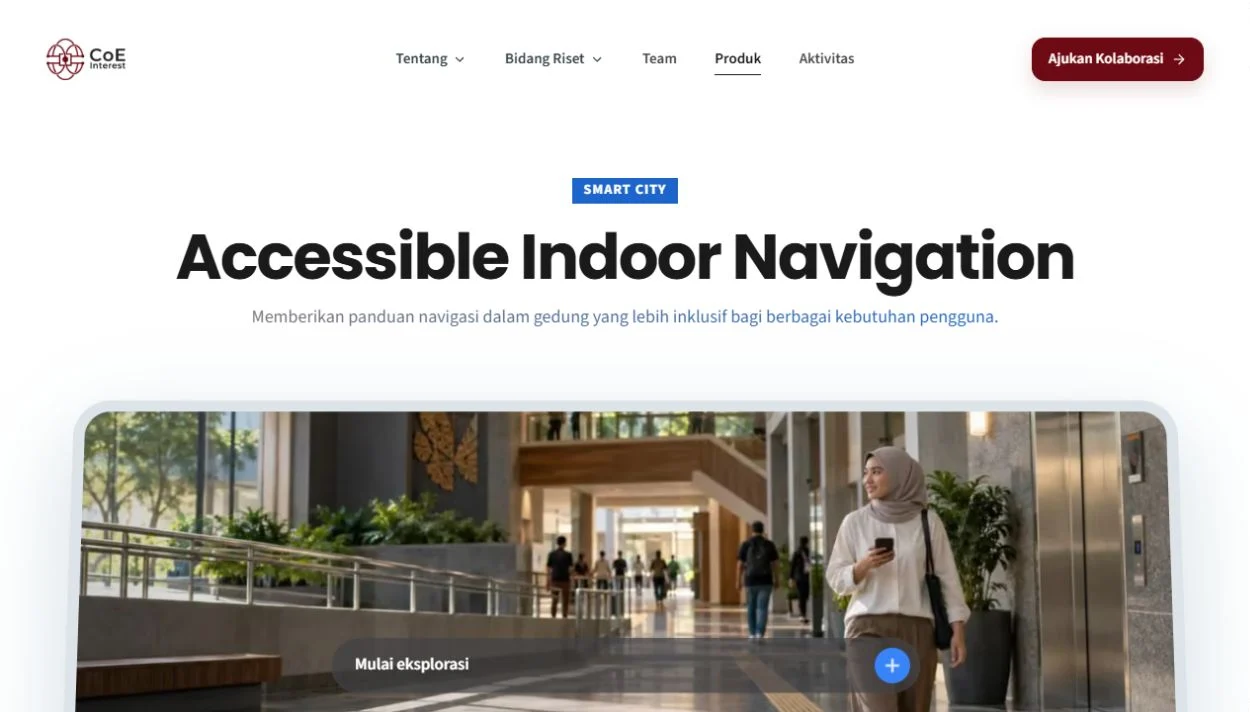
The CMS template presents the problem, benefits, gallery, and process in the same order for every project.
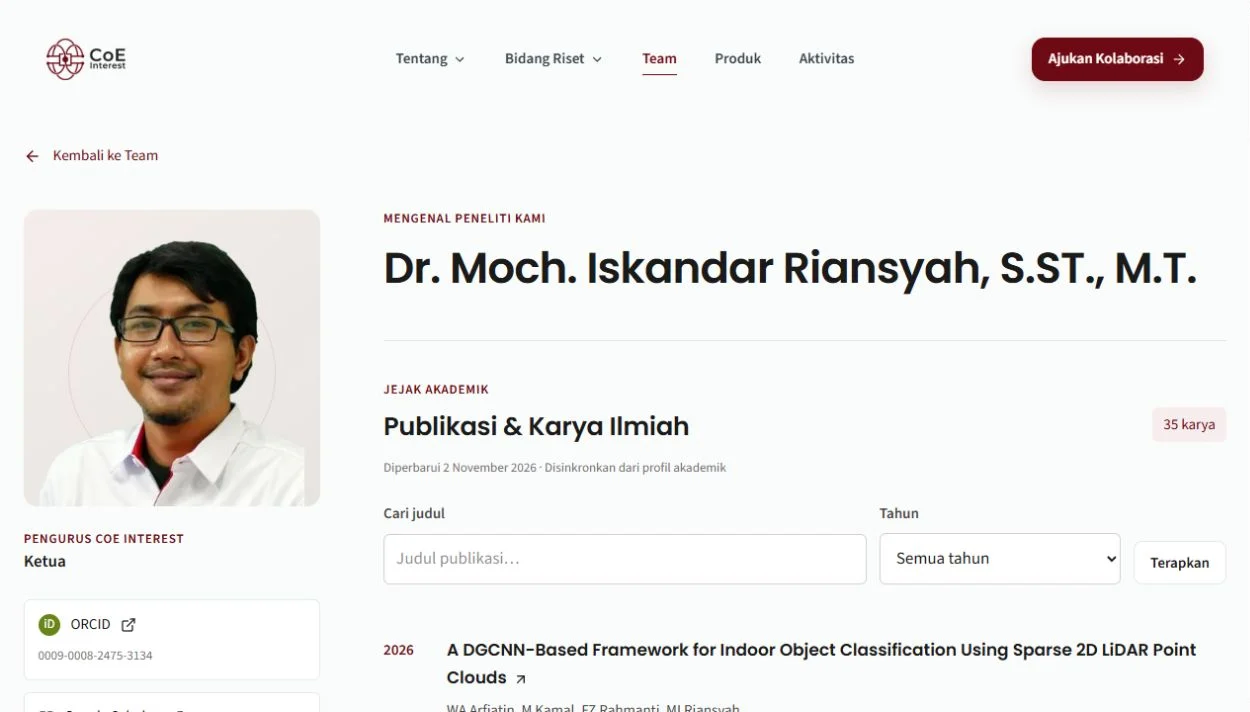
Lecturers link their Google Scholar profiles. SerpApi imports their work so visitors can search by title or filter by year. The demo processes imports while the dashboard panel is open.